To create the best experience for your audience, please review the following stage and audiovisual guidelines before Steve arrives. These details help ensure the demonstrations, visuals, and storytelling come through clearly for everyone in the room.
Microphone
A wireless lavaliere (clip on lapel) microphone is preferred. If your AV team requires a Countryman style microphone, Steve prefers a dual ear headset microphone that wraps around both ears for stability during demonstrations.
No Podium
Steve does not use a podium during his presentations. If a podium is required for other speakers, please position it off to the far left or far right side of the stage so the center stage area remains open.
Stage Lighting
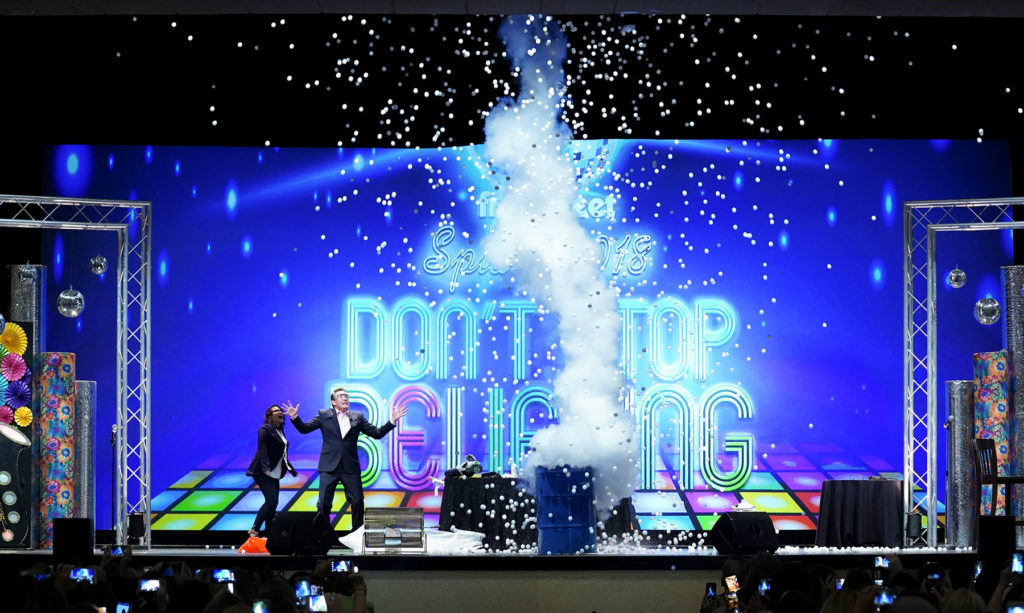
The stage should be brightly and evenly lit so the audience can clearly see the demonstrations. Most of the activity takes place center stage, so lighting should focus on that area. Please avoid dim stage lighting that would make it difficult for the audience to see hands on demonstrations.
Projector and Screen
Steve incorporates PowerPoint slides and short video clips throughout the presentation. All slides are formatted in 16:9 widescreen format, so the projection system and screens should be configured for 16:9 display whenever possible.
Computer Table on Stage
Steve must control his laptop from the stage, not from an AV table in the back of the room.Please provide a small table on one side of the stage with the following connections run directly to the table:
- HDMI cable for video
- Audio cable (standard headphone jack) for sound
This allows Steve to easily connect his laptop while remaining on stage during the presentation.
Slide Clicker
Steve travels with his own presentation remote (Perfect Cue). He will test the clicker during the sound check to ensure there is no interference with other wireless frequencies.
Important Note About the Presentation Computer
Due to copyright restrictions, Steve must use his own laptop to deliver his presentation. Slides and videos cannot be transferred to a house computer in advance.
If another presenter will be using the projection system before Steve, please arrange for a video switcher so the AV team can easily transition between computers. Attempting to unplug and swap laptops during the program often causes delays and technical issues.